 Follow us on Facebook

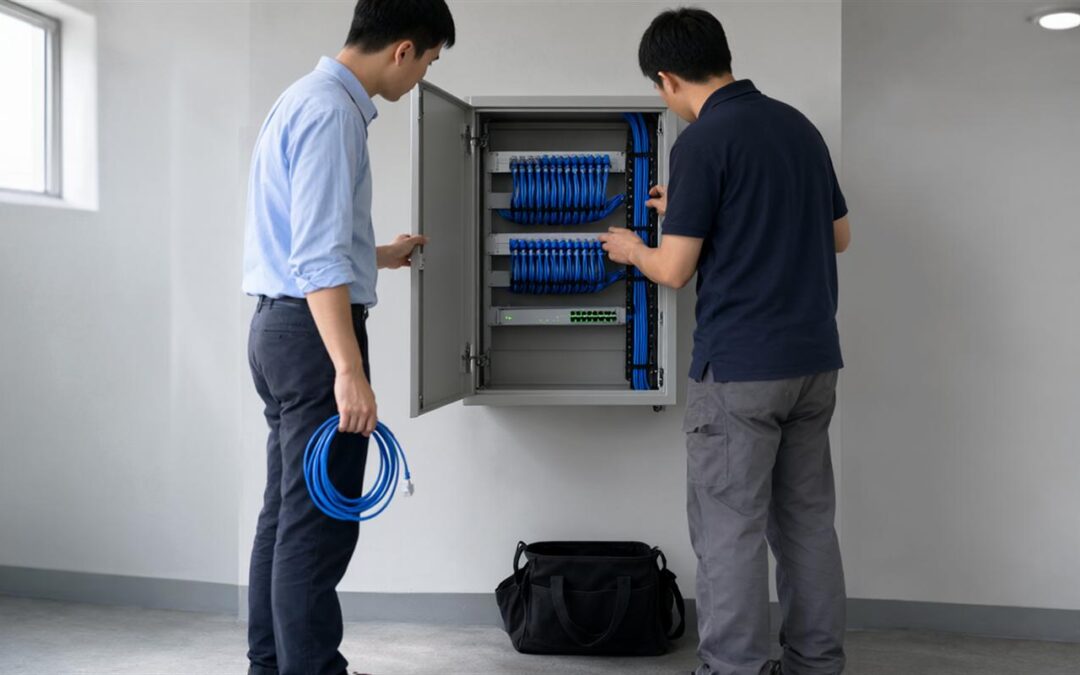
Most businesses do not settle the question of internal versus external network support in a single meeting. The decision arrives in pieces: a slow access point that only a site visit explains, a cabling project that needs a certified installer, a monitoring alert nobody on staff was trained to read. Framing the choice as one model or the other hides the work that actually has to be done. A more useful starting point is the network itself, layer by layer, and the tasks that keep it running.
In-House vs Outsourced Network Support: What the Comparison Often Misses
The usual argument for internal staff is immediate response. The usual argument for an outside provider is cost and access to specialists. Both hold some of the time, and neither explains why a network still misbehaves after money has been spent on one arrangement or the other.
Network faults sit in layers: cabling, radio frequency, switching, addressing, monitoring, and documentation. Each layer has its own tools and its own evidence. A team that is confident with switches may have no way to measure interference in a crowded band. A cabling crew may never see the monitoring data that shows why calls drop near a stairwell. Searches for “in-house vs outsourced network support” often arrive after a failure of exactly that kind, where the work was covered but no one owned the whole picture.
Start With a Task Inventory, Not an Org Chart
Before comparing providers, list the work. Not the roles, the tasks. Who changes a switch port when a desk moves? Who takes the first call when an access point drops? Who runs new cable? Who reads the alerts at seven in the morning? Who updates the drawings after a change? Who plans capacity for the next site or the next forty employees?
The list is almost always longer than expected, and it exposes gaps that no org chart shows. Two teams can each believe the other keeps the documentation current. A monitoring system can be installed and never tuned. Written down, the comparison stops being philosophical, because every line either has an owner or it does not.
Which Network Tasks Usually Fit Internal Staff
The work that stays inside tends to share one trait: it depends on context the internal team already holds. Daily and weekly checks against a known baseline, first response on systems they know well, device moves that follow a documented pattern, coordinating vendors, and judging what matters most to the business all belong there. A network maintenance checklist for businesses can give that recurring work a rhythm instead of leaving it to memory.
The rhythm matters more than any single task on it. Continuous checks, weekly reviews, monthly and quarterly rounds, and an annual pass over the infrastructure keep small faults from growing into outages. Internal staff are usually the right people to run that cycle, because they see the network every day and notice when something shifts.
Where Internal Coverage Usually Stops
Other work needs something a business rarely keeps on hand. Structured cabling installation and certification, radio frequency survey and design, fiber termination and testing, after-hours coverage across several sites, and diagnosis when a symptom matches no known pattern all fall into that group. The cost of leaving them uncovered shows up in operational terms, and how network downtime affects business operations traces it through workflows, voice and cloud access, recovery work, and customer-facing service.
None of this is a comment on competence. A capable IT generalist can learn to read a heat map. The real questions are whether that is where the role should spend its time, and whether the business wants to own the test equipment, the calibration, and the practice that keep the readings trustworthy. Framed as a capability question, the conversation stays practical instead of defensive.
The On-Site Network Support Decision: Access, Escalation and Response
The on-site network support decision is really a question about physical access. Some faults can only be settled by a person standing in the room with a meter. Others can be read from logs, switch counters, and wireless controller data without anyone leaving a desk. An arrangement that never states which is which leaves both sides guessing at the worst possible moment.
Three items are worth writing down in advance: the conditions that bring someone to the building, the cases that get remote diagnosis first, and the name to call when the first responder is wrong. Documented network monitoring baselines, alerts, and escalation for internal IT teams give that discussion a factual footing rather than an argument about who missed what.
A Four-Question Framework for Splitting the Work
Four questions sort most of the tasks on the inventory. They are not a scoring system, and a yes does not automatically send work out, but each one points at a different reason to bring in help.
- Does the task need hands in the building? Cable pulls, access point mounting, and closet work cannot be done from a desk, so travel time is part of the cost under either model.
- Does it need a tool or certification the business does not own? Cable certification, fiber testing, and radio frequency measurement depend on equipment and calibration that rarely pay for themselves at occasional volume.
- Does it need a record the business must keep? Wired and wireless documentation outlives the people who wrote it, so the question is who maintains it, not who holds the file.
- Does failure need a second opinion? A problem that survives two rounds of fixes usually needs someone who has met the pattern before, with the tools to prove the cause.
Sorted this way, work falls into three groups: internal, partner, and shared. Shared is the largest group in most networks, and it is the one that needs the clearest boundaries written into the agreement.
What Must Stay In-House Regardless
A few things should not move, whatever the support arrangement looks like. The business keeps ownership of its records, decides who is granted access, sets business priority, and approves changes. A partner can be the party who keeps drawings current and labels accurate, but the decision about what may change stays inside.
That is the trust layer, and it is the part of an arrangement that tends to erode quietly. It happens when a provider holds the only usable copy of the documentation and nobody notices it was never handed back.
How a Hybrid Arrangement Actually Runs
In practice a hybrid split reads like a short list of responsibilities. The internal team runs daily operations, first response, and approvals. The partner handles survey work, cabling projects, and scheduled maintenance under an agreement scoped to the site, with the on-site and remote boundaries written down rather than assumed.
ASCIO Wireless works with businesses on wireless, cabling, and network infrastructure in Boston, Massachusetts, New England, Rhode Island, Connecticut, New Hampshire, and Vermont, and states a service footprint of 44 states and 3 countries. Its service navigation lists on-site network support and network maintenance as separate categories, alongside technical support, wireless surveys, structured cabling, fiber optic cabling, data cabling, and Fluke certification and testing. Maintenance agreements are described as tailored to the individual needs of each customer, and the stated position is that quick fixes do not solve wireless or networking problems, so the emphasis sits on infrastructure that holds up over years rather than weeks.
Key Takeaways
- The decision belongs to each task, not to the network as a whole.
- On-site support is a physical-access question; remote support is an evidence question.
- Records and change approval stay with the business; keeping them current can move.
- A hybrid split needs a named escalation path and a written list of on-site triggers.
- Revisit the split when the site, the headcount, or the workload changes.
Bringing the Decision Together
Sorting network work by access, tooling, evidence, and record ownership turns a vague comparison into a plan that can be maintained. The aim is not to move everything out or keep everything in. It is to know which tasks need a person in the building, which need equipment the business will not own, and which depend on a record that has to survive staff turnover.
A practical next step is to walk the task inventory with the team that supports the network, mark each line with an owner, and agree on what triggers a site visit. ASCIO Wireless covers that ground in an initial discussion, and a business can schedule a network consultation to set scope and responsibilities against its own infrastructure.