 Follow us on Facebook

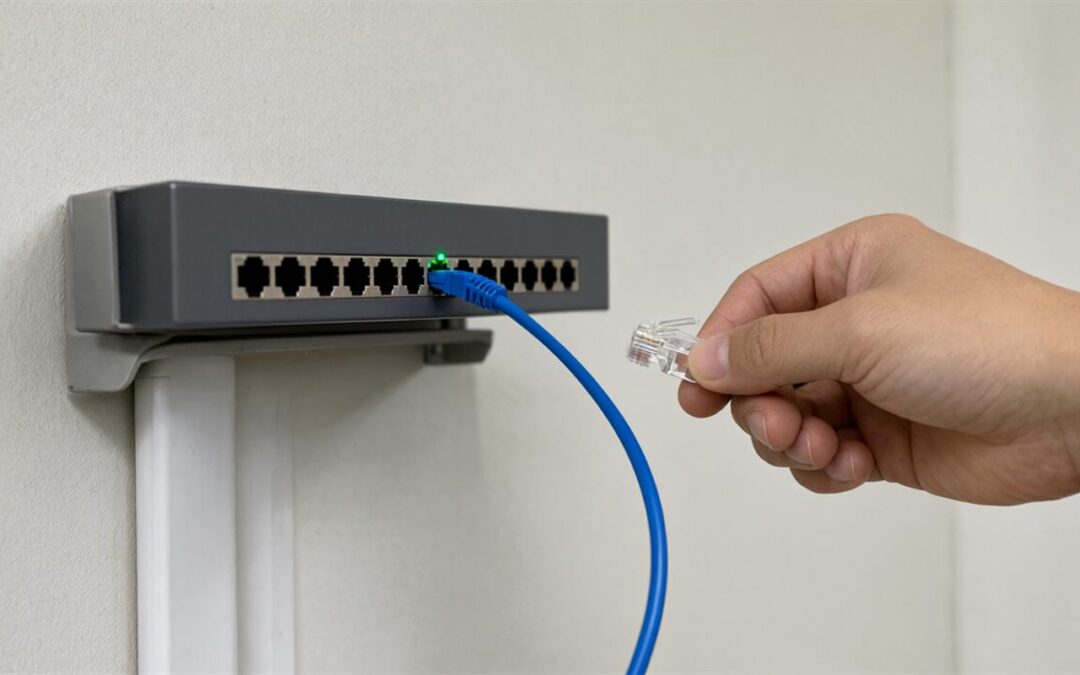
Quick Answer: A network failure drill rehearses one specific failure on purpose, inside a scheduled window, with a rollback step written down before the test starts and one person watching what users actually experience. It answers a question a design document cannot: when the primary circuit, switch, or path is taken out, does traffic move, and what does the gap look like from the desk? The sections below cover how to choose the failures worth rehearsing, how to stage a test so production stays out of it, how to validate the physical cabling path, what monitoring should report while the test runs, and what record comes out of the work.
ASCIO Wireless designs, installs, and supports wireless and network infrastructure for business clients, and the approach below follows the company’s stated preference for long-term infrastructure rather than short-term repairs.
What a Network Failure Drill Is Supposed to Prove
A drill is not a device test. It is a test of the whole path: from the desk to the access point, from the access point to the switch, from the switch to the circuit that leaves the building. A standby circuit, a spare switch, or a second cabling run is only a claim until something has been taken out and the traffic has been watched moving somewhere else. The drill is how that claim becomes evidence.
It also differs from an outage review. An outage review reconstructs a failure that already happened, usually from logs and memory. A drill chooses the failure in advance, so the team can watch it happen and time the recovery. Three things come out of the exercise: a measured switch from primary to standby, a list of what did not work, and a record that another team can repeat. The design layer that makes a drill possible is set out in how network redundancy reduces single points of failure, which is worth reading before the first test is scheduled.
Start With the Failure List, Not the Test Script
The instinct is to write a test script first. A better starting point is a register of the failures the business has decided it needs to survive. That register comes from how the company earns money, which systems carry customers, orders, payments, and shipping, and what the current design claims to protect. Anything on the list that has no matching standby is a finding before the drill even begins.
- The primary internet circuit, plus the question of whether the secondary circuit actually carries traffic when the first one is removed.
- A core switch, and whether the remaining core carries the full load rather than a share of it.
- One access switch uplink, and whether the affected floor stays usable or drops with it.
- The wireless gateway or controller role, and whether clients can still reach the network when that role moves.
- A power feed or a single cabling run, and whether anyone can tell the difference from the desk.
Each item carries the question the drill answers and the result the team has agreed to accept, written down before the window opens. Deciding the expected outcome in advance is what separates a drill from an evening of poking at a live network.
Separate the Test From the Change Window
A drill is scheduled work, not an incident. It needs a named owner, a stated start and stop, a rollback step written before the window opens, and a notification list. The window exists to remove one unknown from the network’s behavior, not to add an unknown to the business day.
The notification list is part of the test design. The help desk needs to know what will happen and when, and so does the manager whose team will notice first. Choose the window from the business calendar rather than from IT convenience; month-end, shift change, and the morning order rush are the wrong hours even if the building is quiet. Where the design allows it, run the first attempt against the standby path with production untouched, then repeat it with real traffic in scope.
Test the Physical Path, Not Just the Configuration
A configuration can be correct while the cable behind it is not. The secondary run may end at a patch panel port that nobody labeled after the last office move, the standby switch may have no live power feed, or an access point on the backup path may have been unplugged during a ceiling repair. None of that shows up in a configuration review, and all of it shows up the first time the path is needed.
The physical pass checks what the configuration cannot see: the secondary run is terminated and labeled at both ends, the standby device has power and an active link, the wireless access points on the backup path are still reachable, and the cabling records match what is actually above the ceiling. This is the step most often skipped, because it needs someone on site with a tester and a ladder rather than someone at a console. That is also why it belongs on the maintenance calendar instead of in an emergency.
How to Test Network Failover in Stages
Break the exercise into stages. The first confirms the standby element is healthy while the primary still carries traffic, which gives the team a baseline before anything moves. The second moves a single test client or a single service across to the secondary path. The third moves a real but limited group of users during the window, so the test runs against actual application traffic rather than a ping. The fourth returns traffic to the primary deliberately and confirms the return trip works as well as the departure.
Staging narrows the surprise. If something fails, it fails against one laptop and a stopwatch rather than a floor of people on a call. A staged approach also lets a team test network failover without betting the workday on the first attempt, and it produces a sequence the next drill can follow without rethinking it from scratch.
Network Redundancy Testing Across Wired and Wireless Layers
Wired and wireless paths fail in different ways, so they need different evidence. A wired path either carries traffic or it does not, and the result is visible at the port. A wireless client can hold a weak connection to an access point that is no longer the right one, stay there while performance degrades, and never move to the stronger neighbor a few meters away.
Network redundancy testing that stops at the switch port misses the half of the network users actually touch. The wireless pass means walking the floor with a device, taking one access point out, and watching where the client lands. Does it reconnect to a neighbor, does voice or video survive the move, and does it return when the access point comes back? Repeat the walk in the places people gather, because a meeting room behaves differently from a corridor.
Monitoring Checks That Belong in Every Drill
A drill also tests the monitoring system, and that part is usually forgotten. Four questions are worth answering while the failure is live: did the alert fire at all, how long did it take to arrive, did it name the device that was actually affected, and did the escalation reach a person who could act on it. A drill that proves the network recovers while the alert never fires has found a second problem. The baselines and escalation paths that make those answers meaningful are covered in network monitoring baselines and escalation paths.
Someone should be watching the monitoring screen for the whole window, and that person should not be the same person running the test. Where a support partner is involved, the drill is also a test of the handoff: whether the call reaches the right engineer, whether the ticket carries enough detail to act on, and whether the response matches what the agreement says. Commercial network support and maintenance is built around that handoff, including on-site service and the maintenance visits that keep a design honest between drills.
Keeping Users Out of the Blast Radius
Containment is mostly discipline. Run the drill outside the busiest hours, move the smallest group that still proves the path, brief the help desk on what to expect and when, and keep a known-good way back that does not depend on the element under test. If the rollback is needed, stop the drill and use it; finishing the exercise is never worth a real interruption.
A drill that causes an outage is a failed drill regardless of what it proved. The purpose is to create the failure in a place where nobody is working, learn what the network does, and leave the business day intact.
What to Record After the Drill
The record is the deliverable. It should name the failure that was rehearsed and who ran the test, describe what switched and what did not, note how users were affected, list which monitoring alerts fired and when, and state what has to change before the next drill. A short record written the same day is worth more than a thorough one written from memory a month later.
That record belongs with the rest of the network documentation, not in a folder on someone’s laptop. The work also belongs on a schedule: network maintenance contracts can include system diagnostics, replacement of defective modules, and tests that confirm a design is still operating as intended, which is the same category of work as a drill. A scheduled network maintenance checklist is a practical place to hold the cadence, so the exercise repeats instead of waiting for the next outage to remind everyone.
Key Takeaways
- Choose the failures to rehearse from business impact, then write the expected result before the window opens.
- Stage the test: healthy standby, one client, a limited group, then the deliberate return to the primary.
- Walk the physical path with a tester, because a correct configuration can sit on a cable that goes nowhere.
- Watch the monitoring screen during the drill; an alert that never fires is a finding, not a detail.
- Record the result the same day and put the next drill on the maintenance calendar.
Conclusion
A drill on a calendar costs less than an outage nobody rehearsed. Each pass through the failure list leaves the network a little better documented, the rollback a little more familiar, and the team a little less dependent on luck when a circuit drops at the wrong hour.
ASCIO Wireless works on wireless, cabling, and network infrastructure for business clients from East Walpole, Massachusetts, with a service area that covers Boston, New England, Rhode Island, Connecticut, New Hampshire, and Vermont and a wider 44-state and 3-country footprint. The service categories that carry this work include wireless surveys, networking, data cabling, fiber optic cabling, structured cabling, network support, and network maintenance, and the company has worked in the wireless networking industry for over 25 years. Teams that want a second set of eyes on the failure list, the rollback, or the record can request a network consultation and plan the first drill around the business calendar.